Software vs. Hardware Live Encoders: Which Is Right for Your Ministry?

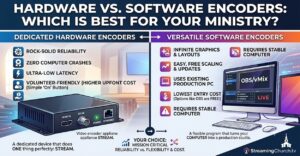
For churches, live streaming is no longer just an extra perk—it’s an essential front door for your ministry. Whether you are trying to reach homebound members, military families, or seekers checking out your church online before visiting in person, your live stream matters.
At the heart of every streaming setup is an encoder. Its job is to take your video and audio feeds and compress them into a format that can be broadcast smoothly over the internet. But when it comes to choosing the right gear, tech directors and volunteer teams almost always hit a crossroads: Should we use software or hardware?
Let’s break down the pros and cons of software and hardware live encoders to help you decide what fits your church’s budget, technical bandwidth, and ministry goals.
1. Software Encoders
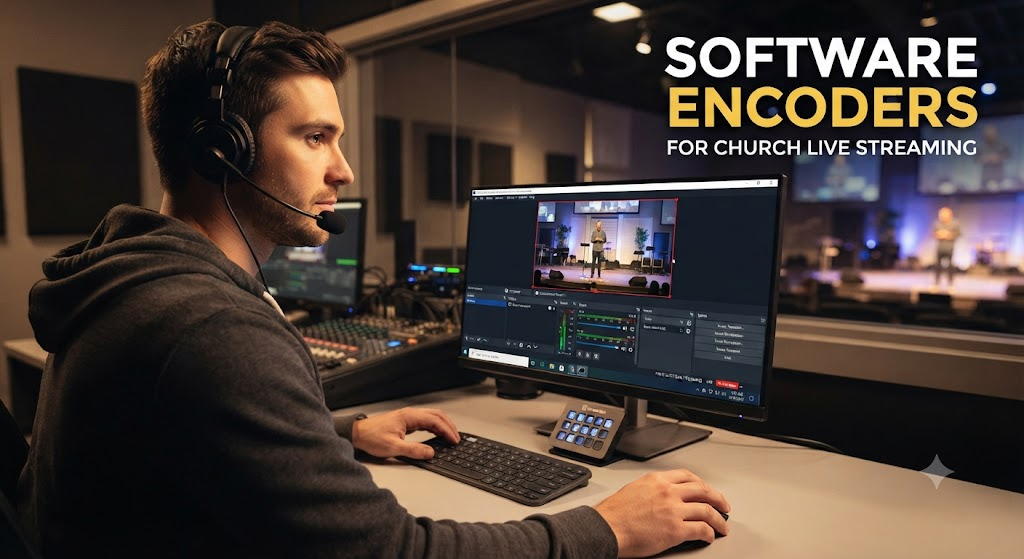
Software encoders run on a general-purpose computer or laptop (using programs like OBS Studio, vMix, Wirecast, or ProPresenter). They often double as production switchers, allowing you to cut between cameras, add lower-third scripture verses, and display lyric overlays all in one place.
The Pros:
- Unbeatable Cost: Many popular software options (like OBS Studio) are completely free, while others require a very affordable one-time license fee compared to hardware units.
- All-in-One Capabilities: Software often acts as a production switcher, graphics generator, and encoder rolled into one. You can easily layer graphics, adjust layouts, and integrate plugins.
- Ultimate Flexibility: It is remarkably easy to change your streaming destination, update your streaming protocol, or adjust audio and video bitrates on the fly.
The Cons:
- Resource Heavy: Software encoders rely heavily on your computer’s CPU and GPU. If your computer is overworked, running background updates, or handling too many tasks, it can lead to dropped frames or a crashed stream mid-sermon.
- Setup Complexity for Volunteers: Opening a computer, launching software, managing capture cards, and checking network settings every Sunday can introduce human error. It usually requires a tech-savvy operator.
- Higher Risk of Downtime: Because computers run operating systems that prompt updates, encounter driver conflicts, or experience “blue screens of death,” software setups are statistically more prone to mid-service hiccups.
2. Hardware Encoders
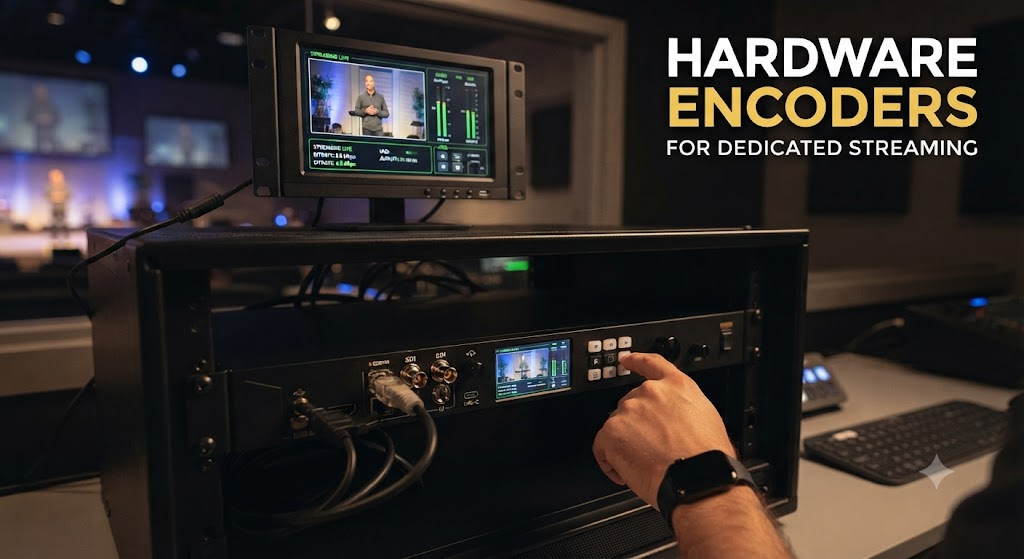
Hardware encoders are dedicated, standalone physical devices (such as units from BoxCast, Teradek, AJA, or Epiphan) built for one primary purpose: encoding video. You plug your video switcher or camera directly into the box, and it pushes the stream straight to the internet.
The Pros:
- Exceptional Reliability: Because they are single-purpose “appliances” running lightweight firmware rather than a full operating system, they don’t crash, freeze from background updates, or suffer from CPU overload.
- “Set and Forget” Simplicity: Hardware encoders streamline the Sunday morning routine. Many options allow for automated scheduling or quick-start operations, making it much easier for non-technical volunteers to run.
- Resilient Under Poor Network Conditions: Many high-end hardware units feature advanced streaming protocols (like SRT) or smart error-correction that handle fluctuating church internet bandwidth far more gracefully than software.
The Cons:
- Higher Upfront Cost: Dedicated hardware units carry a steeper initial price tag than free software options.
- Rigid Functionality: A hardware encoder does one thing exceptionally well. If you want to dynamically switch camera angles, mix complex multi-layer graphics, or run lower-thirds directly inside the encoder, you will still need a separate video switcher or presentation software upstream.
- Less Flexible Upgrades: If streaming technology shifts or you need to radically alter your workflow, upgrading a hardware box often requires purchasing a brand-new unit rather than just clicking “update”.
The Verdict: Which Should Your Church Choose?
- Choose a Software Encoder if: Your church is working with a tight budget, you already own a powerful computer with a dedicated graphics card, and you have a dedicated tech team member or volunteer who enjoys managing the software, overlays, and weekly configurations.
- Choose a Hardware Encoder if: Your ministry’s biggest priority is reliability and risk reduction. If you are tired of restarting computers on Sunday mornings, have a rotating cast of non-technical volunteers, or simply cannot afford a mid-sermon stream crash, investing in a dedicated hardware solution will save your team an immense amount of stress.
Have more questions? At StreamingChurch.tv we serve only ministries and can help you with specific information about many live encoders for your streaming video needs. Reach out to us today at StreamingChurch.tv and if you like, you can set up a time for a free consultation with Phil Thompson, click here to schedule a time that works for you.