
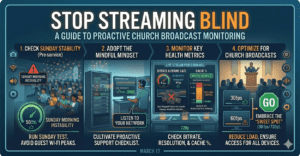
If you’ve ever sat in a sound booth or media suite on a Sunday morning, you know the feeling: you hit “Go Live,” say a quick prayer, and hope for the best. Usually, you only find out something is wrong when your live chat starts lighting up with comments like, “It’s buffering!” or “The video is frozen!”
In Episode 512 of the Church Solutions Podcast, Phil Thompson and Steve Lacy dive into why you need to move from reactive troubleshooting to proactive monitoring. With Easter just around the corner—the “digital front door” for many seekers—there is no better time to tune your stream for success.
The Myth of the “One-and-Done” Speed Test
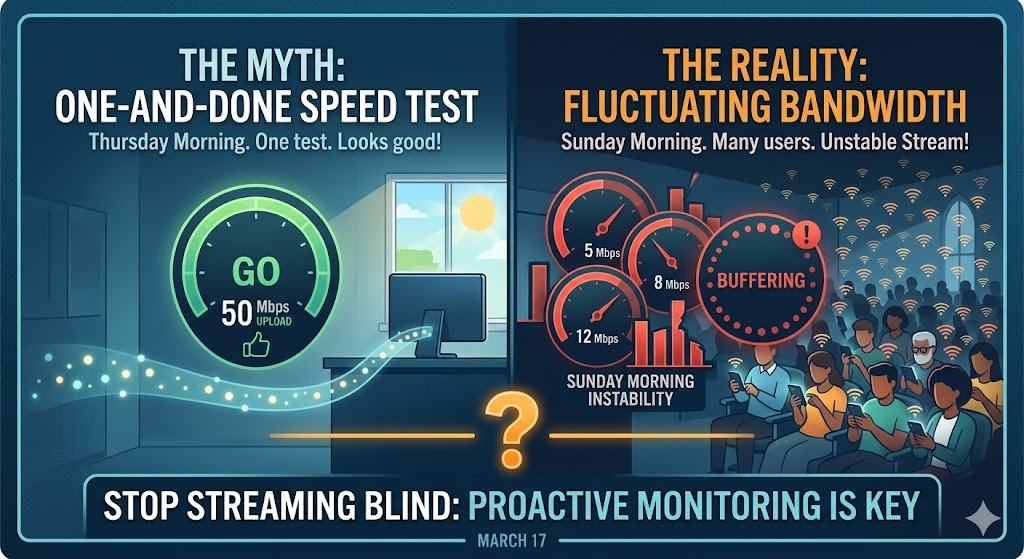
Many tech teams fall into the “Speed Test Myth.” They run a test on a Tuesday morning, see 50 Mbps upload, and assume they are set for life. However, internet stability is fluid.
- The Proximity Trap: Popular sites like Speedtest.net often connect you to the nearest possible server (sometimes just miles away). This doesn’t accurately reflect how your data travels to a streaming provider’s headquarters on the other side of the country.
- Sunday Traffic: Your internet might be great on a Thursday, but what happens when 400 people walk into your sanctuary and join the guest Wi-Fi?
- Internal Bottlenecks: Is someone in the back office uploading a 5GB video file while you’re trying to broadcast? That “50 Mbps” plan won’t save you if your local bandwidth is being eaten from the inside.
Pro Tip: Use a dedicated tool like speed.streamingchurch.tv and choose a server location that isn’t in your immediate neighborhood for a more realistic result.
Checking Under the Hood: Key Metrics to Watch
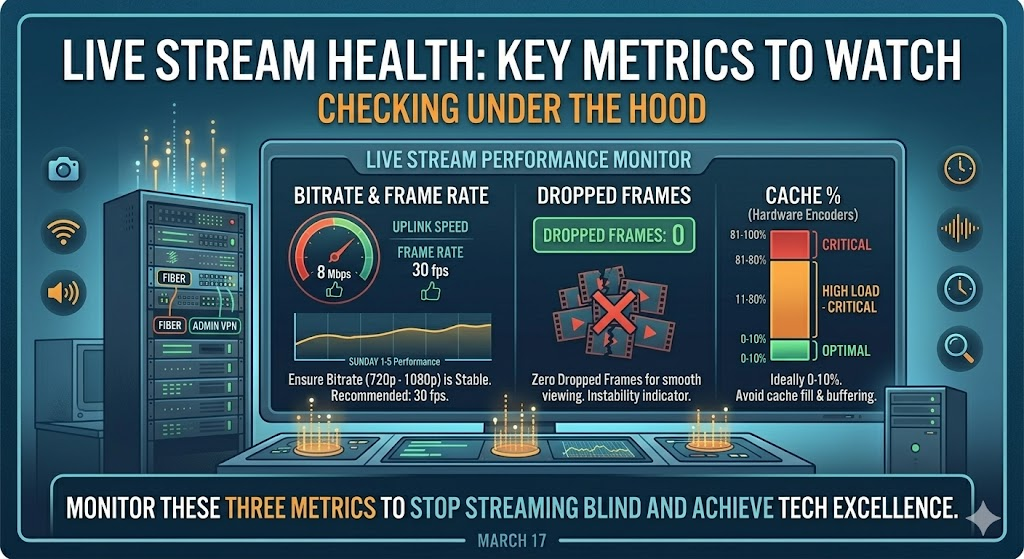
To stop “streaming blind,” you need to keep an eye on a few technical indicators during the service.
1. Dropped Frames
If your encoder shows dropped frames (anything above zero), your viewers aren’t seeing a smooth video—they’re seeing a slideshow. This is usually caused by insufficient bandwidth or a CPU that can’t keep up.
2. Cache Levels
If you use hardware like the Blackmagic Web Presenter, keep an eye on the Cache percentage. Ideally, this should stay between 0% and 10%. If that number climbs toward 90% or 100%, it means your encoder is holding onto data it can’t send out fast enough. Eventually, that “bucket” will overflow, and your stream will buffer.
3. CPU Usage
Streaming is a heavy lift for a computer. If your CPU usage is consistently hitting 80% or 90%, you are in the danger zone. This often happens when using older hardware or trying to run too many programs (like recording, streaming, and running presentation software) on a single machine.
Finding the “Sweet Spot” for Church Tech
There is a common misconception that “higher is better” when it comes to settings. But church streaming isn’t a high-action sports broadcast.
- 30fps vs. 60fps: Unless your pastor is doing backflips or you’re hosting a basketball tournament in the sanctuary, you don’t need 60 frames per second. Dropping to 30fps reduces the load on your encoder by nearly 50% without a noticeable loss in quality for your viewers.
- Resolution & Bitrate: Most viewers on Facebook and YouTube are watching on mobile devices or tablets where 720p is the sweet spot. Pushing a massive 12 Mbps bitrate can actually alienate viewers with slower home connections.
Be Mindful, Not “Set and Forget”
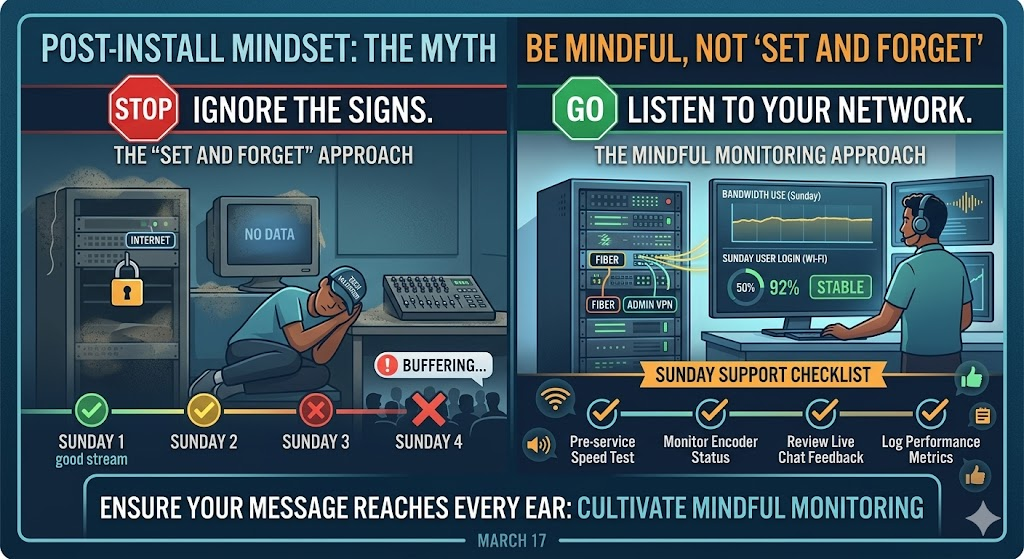
The goal of church technology is to make the message clear, not to provide a distraction. By being proactive—running speed tests during the service and monitoring your encoder’s health—you ensure that the first note of worship and the final word of the sermon reach every ear without a glitch.
Want to see exactly how your stream is performing? StreamingChurch.tv has introduced new proactive monitoring tools in the admin panel that alert you if your settings are falling outside the “sweet spot.”
Don’t wait for a “buffering” comment to act. Tune your stream this week and get ready for a seamless Easter service! At StreamingChurch.tv we have been serving ministries since 2001 and we are here to help you, even on Sundays. Reach out today.