
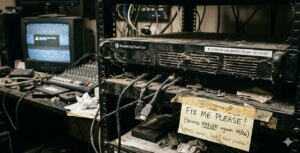
As a former Church Online Pastor, I have been there! It’s five minutes before the service begins, the sanctuary is filling up, and suddenly the stream goes dark. HELP!! While we often chalk these moments up to “tech gremlins” or bad luck, the reality is that our hardware—the silent workhorse of our ministry—requires more than just a prayer to keep running.
Ughhh! Every layer of dust in a cooling fan or every strained HDMI cable is a ticking clock on your equipment’s lifespan. To ensure your message reaches your online community without interruption, it’s time to move from reactive repairs to proactive stewardship.
The Cost of Neglect
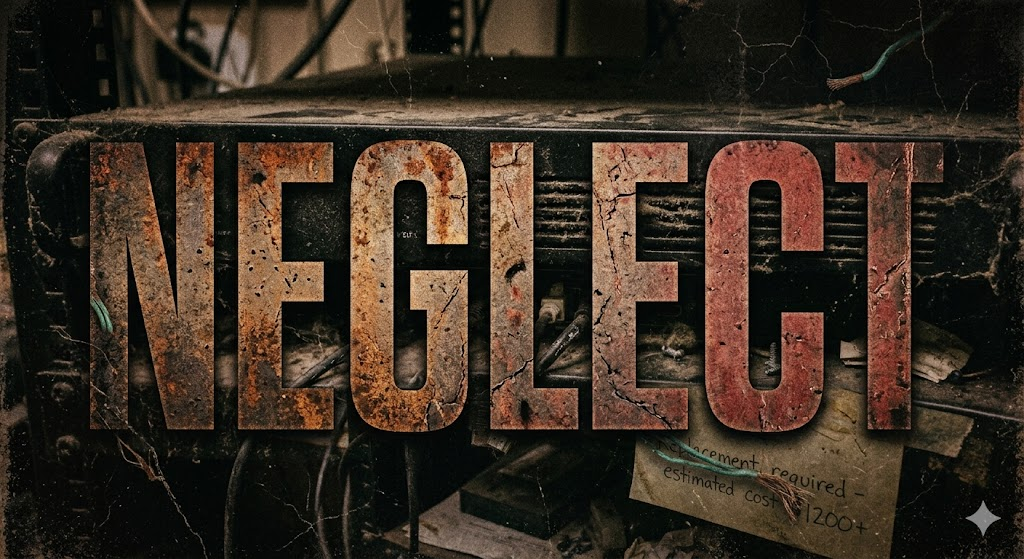
In the world of church streaming, “if it ain’t broke, don’t fix it” is a dangerous philosophy. Small issues like overheating or loose connections don’t just cause glitches; they lead to catastrophic failures at the worst possible moments. Stewardship isn’t just about how we spend the church’s budget—it’s about how we maintain the tools that the budget has already provided.
Identifying the Silent Killers
Most hardware failures aren’t caused by manufacturing defects; they are caused by environment and handling.
- Heat and Dust: If your encoder is tucked into a tiny, unventilated wooden cabinet, it’s slowly baking its own internal processors.
- Cable Strain: Heavy cables hanging off delicate ports will eventually snap the internal solder.
- Static Power: Using a $10 power strip instead of a battery backup (UPS) leaves your gear vulnerable to the slightest power flicker.
A Simple Stewardship Routine
You don’t need an engineering degree to extend the life of your gear. High-impact maintenance can be broken down into a “Monthly Maintenance Minute”:
- The Airflow Audit: Ensure there is at least three inches of clear space around all vent fans. Use a can of compressed air to blow out dust—but never use a vacuum, as the static can fry components.
- The Wiggle Test: Check your HDMI and Ethernet connections. If they feel loose or are being pulled tight, add some velcro cable ties to provide “strain relief.”
- The Hard Reboot: Modern streaming hardware is essentially a specialized computer. A weekly “power-cycle” clears the memory cache and prevents the software glitches that lead to mid-stream freezing.
Building a “Sunday-Ready” Culture
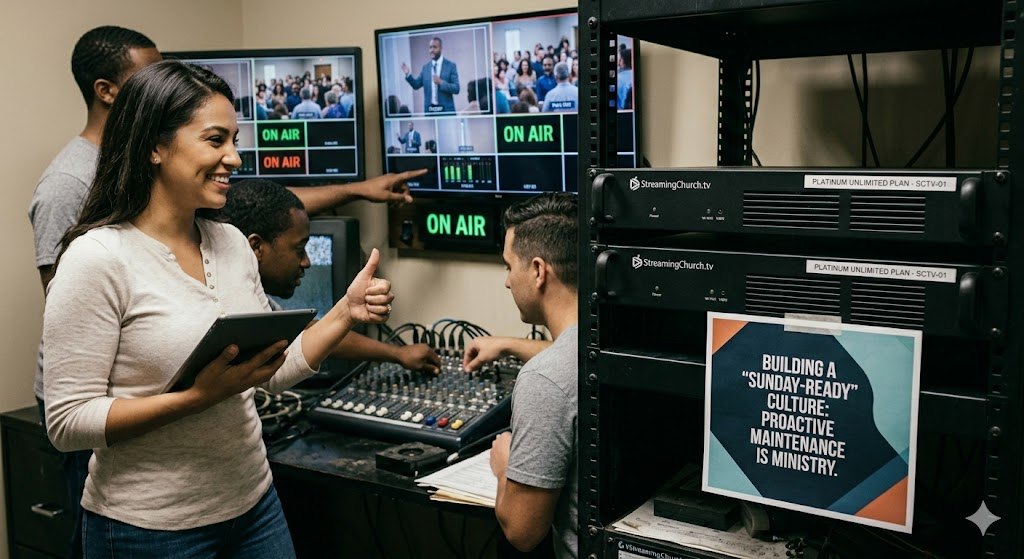
Take it from me, the goal of hardware longevity isn’t just to save money—it’s to eliminate the Sunday morning panic. When we take care of the physical tools of our ministry, we create a reliable bridge for the Gospel to travel across.
Your Next Step:
Take fifteen minutes this week to walk into your tech booth with a fresh set of eyes. Look for the dust, check the temperatures, and tidy the cables. Your future self (and your congregation) will thank you.
Listen to the Church Solutions Podcast for more with Steve Lacy and Phil Thompson
Question: What’s the oldest piece of gear still running in your booth? Reply and let us know—we love a good success story of tech longevity! Just go to StreamingChurch.tv.