The Secret to a Great Live Stream

I have found from many years of streaming church services, the “secret” to a great church stream actually has very little to do with buying the most expensive $10,000 camera. Instead, it’s about eliminating the friction points that pull online viewers out of the service.
If you want a stream that feels engaging, professional, and seamless, focus on these five core pillars.
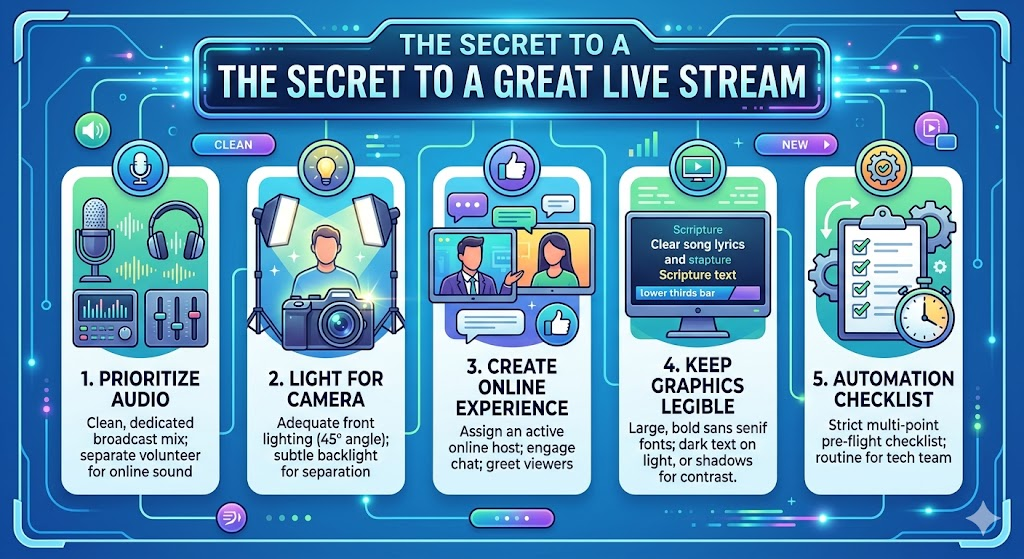
1. Prioritize Audio Over Everything Else
People will tolerate a blurry video or a camera that skips a frame, but they will instantly turn off a stream if the audio is echoey, too quiet, or piercingly loud.
- The Secret: Never use the camera’s built-in microphone or a single room mic. You need a dedicated broadcast mix sent directly from your audio console to your streaming computer. What sounds good in the physical room (with loud drums and acoustic reflections) rarely sounds good online. Assign a volunteer to mix the audio specifically for the stream using headphones.
2. Light for the Camera, Not Just the Room
Human eyes adjust remarkably well to dim lighting, but digital camera sensors do not. If your stage lighting is too low or inconsistent, your stream will look grainy and amateurish.
- The Secret: Ensure your pastors and worship leaders have adequate front lighting (ideally at a 45-degree angle to avoid harsh shadows under the eyes). Adding a subtle back-light (hair light) helps separate the people on stage from the background, creating a professional depth of field even on a tight budget.
3. Stream a Distinct “Online Experience”
The biggest mistake churches make is treating the online audience like passive ghosts watching a room they aren’t in. A perfect stream bridges that gap.
- The Secret: Assign a dedicated online host in the live chat. Have them welcome people by name, drop links to the connection card, post prayer requests, and share scripture references. If possible, have your on-stage pastor look directly into the camera lens at least once or twice to address the “online family” directly.
4. Keep Your Graphics and Lyrics Legible
When people are watching from a phone or a TV across the living room, tiny text or low-contrast graphics are impossible to read.
- The Secret: Use lower-thirds graphics (text aligned to the bottom third of the screen) for lyrics and scripture over the live video. Make sure the font is a bold, sans-serif style with a dark drop-shadow or a semi-transparent background box behind it so it remains readable regardless of what the stage lights are doing.
5. Create an “Automation Checklist” to Kill Technical Glitches
Nothing ruins the momentum of a Sunday morning like a stream that starts late, drops frames, or has the wrong title from three weeks ago.
- The Secret: Build a strict, multi-point pre-flight checklist for your tech team.
Here is a quick breakdown of what your tech team should verify every single weekend before hitting the live button:
| Time Before Live | Task to Complete | Why It Matters |
| 60 Minutes | Hard reboot the streaming PC and router | Clears out background memory leaks and caching issues. |
| 45 Minutes | Conduct a “Silent Sound Check” | Check meters on the stream software to ensure audio signals are cleanly hitting the computer. |
| 30 Minutes | Update stream titles and metadata | Ensures YouTube/Facebook notifications show today’s correct sermon title. |
| 15 Minutes | Launch a 10-minute pre-roll loop | Gives viewers time to log on, check their own volume, and settle in before the service starts. |
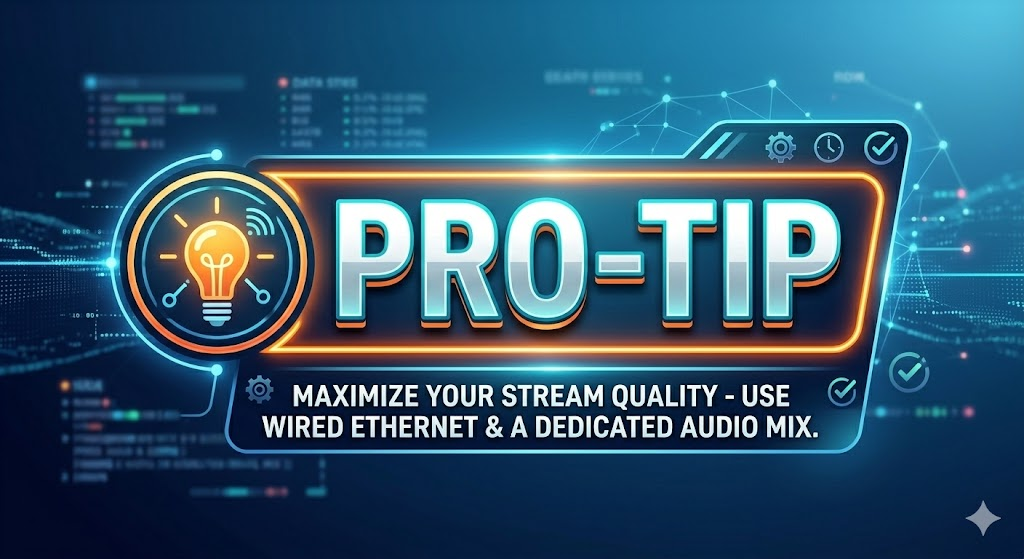
StreamingChurch.tv Pro Tip: Always prioritize a hardwired Ethernet connection for your streaming computer. Relying on church Wi-Fi—especially once hundreds of congregants arrive and connect their phones to the network—is the number one cause of dropped live streams.
Need help or have questions? We are available go to StreamingChurch.tv today or call 866.852.6648